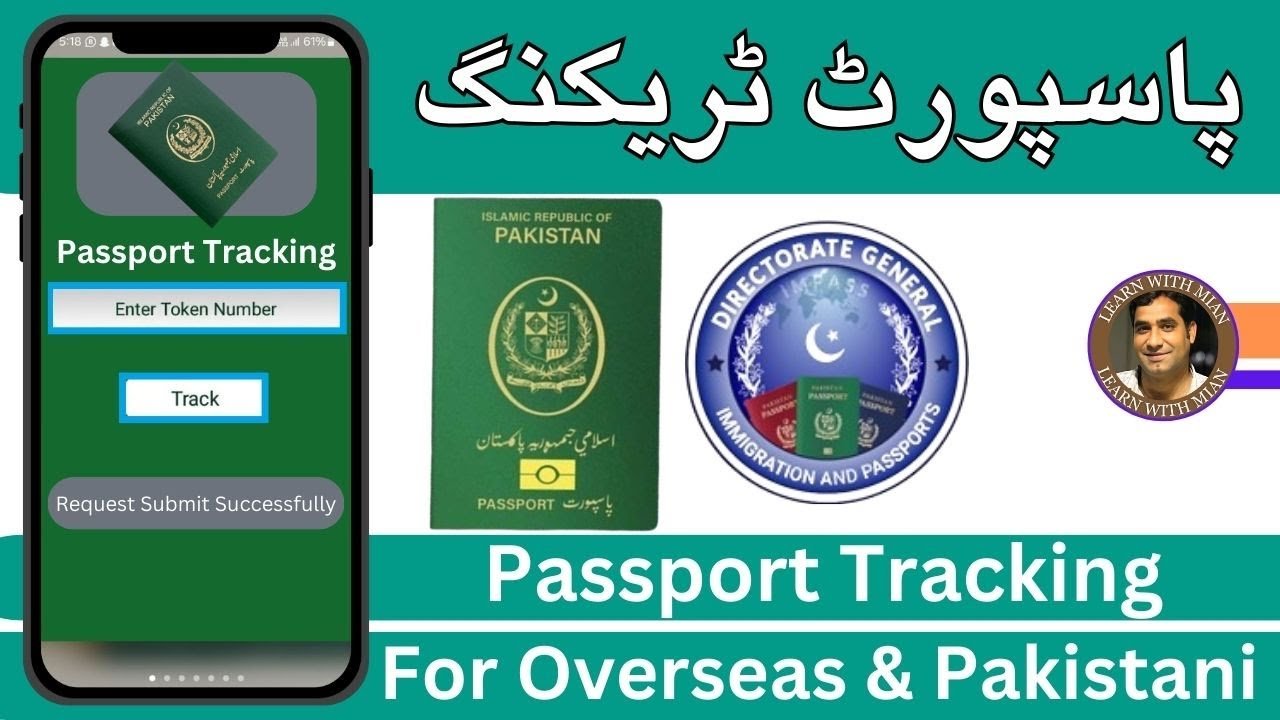
Here’s something that trips a lot of people up: tracking your e-passport in Pakistan doesn’t work like tracking a parcel, where you type in a number and pull up a live status page. DGIP’s system actually pushes updates out to you automatically, instead of you having to go looking for them. Once you understand that, the whole process makes a lot more sense.
The Official Tracking Method: SMS/Email Rabta Service
DGIP runs something called the SMS/Email Rabta Service. Here’s how it actually works: when your application reaches the Data Entry stage, the officer asks for your mobile number and email address. As your application moves through the system, you automatically receive SMS and email updates from short code 9988, with no need to send anything yourself.
This is the one part people often get wrong; it’s a push system, not something you text in to check.
Make Sure You Do This When You Apply
Since the whole system depends on the contact details you give at the Data Entry stage, double-check that your mobile number and email are typed correctly before you leave the office. A single wrong digit means your updates go nowhere, and you won’t find out until you’re wondering why you never heard back.

DGIP Helpline
If you haven’t gotten an update in a while, or just want to confirm something directly, here’s how to reach DGIP:
| Contact Method | Detail |
|---|---|
| National Helpline | 051-111-344-777 |
| International Helpline | 0092-51-111-344-777 |
| Office Hours | Monday to Friday, 8:30 AM to 4:30 PM |
| info@dgip.gov.pk |
When you call or email, have your CNIC number and, if you have it, your token number ready. It’ll make the conversation a lot faster.
If You Applied Online: Checking Your Payment Status
This part is specific to online applicants using the e-Services Portal. Before you head to a passport office in person, DGIP actually recommends clicking “Check Status” in the mobile or web app first, to confirm your fee payment shows as “Paid.” Showing up before that confirmation comes through is one of the more common reasons people end up waiting around at the office for nothing.
What the Status Updates Actually Tell You
As your application moves along, your SMS and email updates will generally let you know about milestones like:
- Your token and application being recorded in the system
- Your passport being dispatched from the production facility
- Your passport being ready for collection at your chosen office
You don’t need to do anything to trigger these messages; they go out automatically as each stage completes.
What to Do If You Haven’t Heard Anything
If it’s been well past your expected delivery window (21 working days for normal, 5 for urgent) and you haven’t received any update at all, here’s a sensible order to try:
- Check your spam or junk folder, in case the email update landed there instead of your inbox
- Confirm your number and email are correct, by calling the helpline and asking them to verify what’s on file for your application
- Call the helpline directly with your CNIC and token number on hand
- Visit your passport office in person, especially if it’s been a long delay and the helpline hasn’t resolved it
Visiting Your Passport Office in Person
Sometimes the fastest answer really is just showing up with your CNIC and your application receipt. Staff at the counter can usually pull up your file directly and tell you exactly where things stand, which can be quicker than waiting on a phone queue during busy hours.

If Something Seems Genuinely Wrong
If you believe there’s an actual problem with your application, beyond a normal processing delay, DGIP has a formal complaint channel through the Pakistan Citizen Portal. Overseas Pakistanis specifically also have access to a Grievance Commissioner set up to handle their complaints. These are worth using if the regular helpline and office visit haven’t sorted things out.
Frequently Asked Questions
How do I track my e-passport in Pakistan? You don’t need to actively check anything in most cases. DGIP automatically sends SMS and email updates to the contact details you gave during your application, using short code 9988.
What if I didn’t get any SMS update? Double-check that your mobile number and email were entered correctly when you applied. If they were, call the DGIP helpline at 051-111-344-777 to confirm your application status directly.
Can I track my e-passport from outside Pakistan? Yes. Use the international helpline number, email DGIP directly, or check your status through the e-Services Portal if you applied online.
How long should I wait before contacting DGIP about a delay? Give it until just past your expected timeframe first (21 working days for normal, 5 for urgent), then reach out if you still haven’t heard anything.
This page is part of our complete e-passport series. For the full application steps, see our step-by-step apply guide, and for the bigger picture, check our complete e-passport guide.